Whitespots · Problems it solves
DevSecOps slows releases.
Real risks still get through.
Teams add a scanner to every pipeline. Releases get slower, and real vulnerabilities still reach production. Here are nine reasons why.

Scanner in the pipeline
Release waits

Checks outside the pipeline
Release ships
01
Most repositories are never scanned.

Two hundred repositories, ten with scans. The rest wait for a pentest or an incident.
02
Security scans slow every release.

A thirty-minute scan sits in the pipeline. Developers turn it off to ship on time.
03
The scanner is bought but never really runs.
Years go into choosing tools. Then pay-per-scan licenses keep them out of CI/CD.
04
The same scanner gives different results.

One team runs it in Docker, another as a binary. Versions and findings drift apart.
05
Ten tools give ten reports and no answer.

Each scanner has its own format. Security counts 80 bugs, Jira shows 20.
06
One bug becomes three tickets.
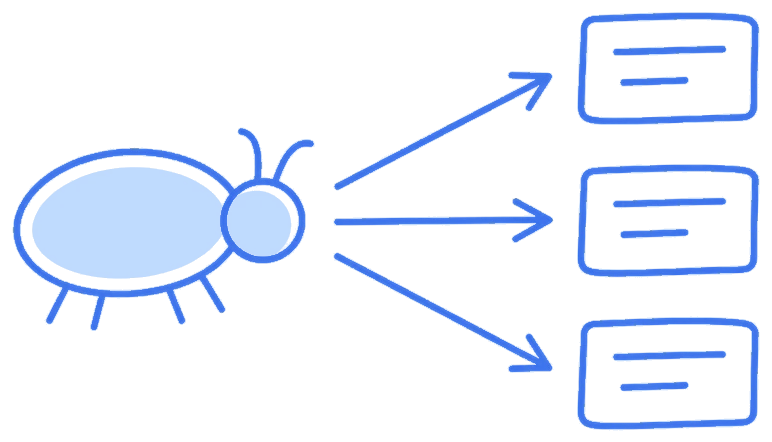
Three scanners report the same SQL injection. Nobody merges them, so metrics lie.
07
Everything is High, so nothing gets fixed first.

CVSS ignores where the code runs and what it touches. Real risks wait behind noise.
08
Most findings are noise, so developers stop reading.

Dead code and unused libraries fill the list. Real vulnerabilities get lost in it.
09
Nobody knows when a fix is due.
Critical findings have no deadline. Tickets stay open for months, and audits fail.
Whitespots fixes each of these. Ask us how.
We set it up for your teams and your pipelines.
Talk to us