Explore TrustFlare
See the boundary
in action.
Try sign-in from a known device. See what happens to an unknown one. The live demo requires an access token.
- Live environment
- Access token required
- Device-based decisions
Live demo
Your first look.
Use your demo access token to enter. Sample account credentials are shown on the sign-in page. The demonstration is about device approval.
The admin console also requires demo access. Personal computers are not exposed to arbitrary remote commands.
Inside the console
Decisions you can see.
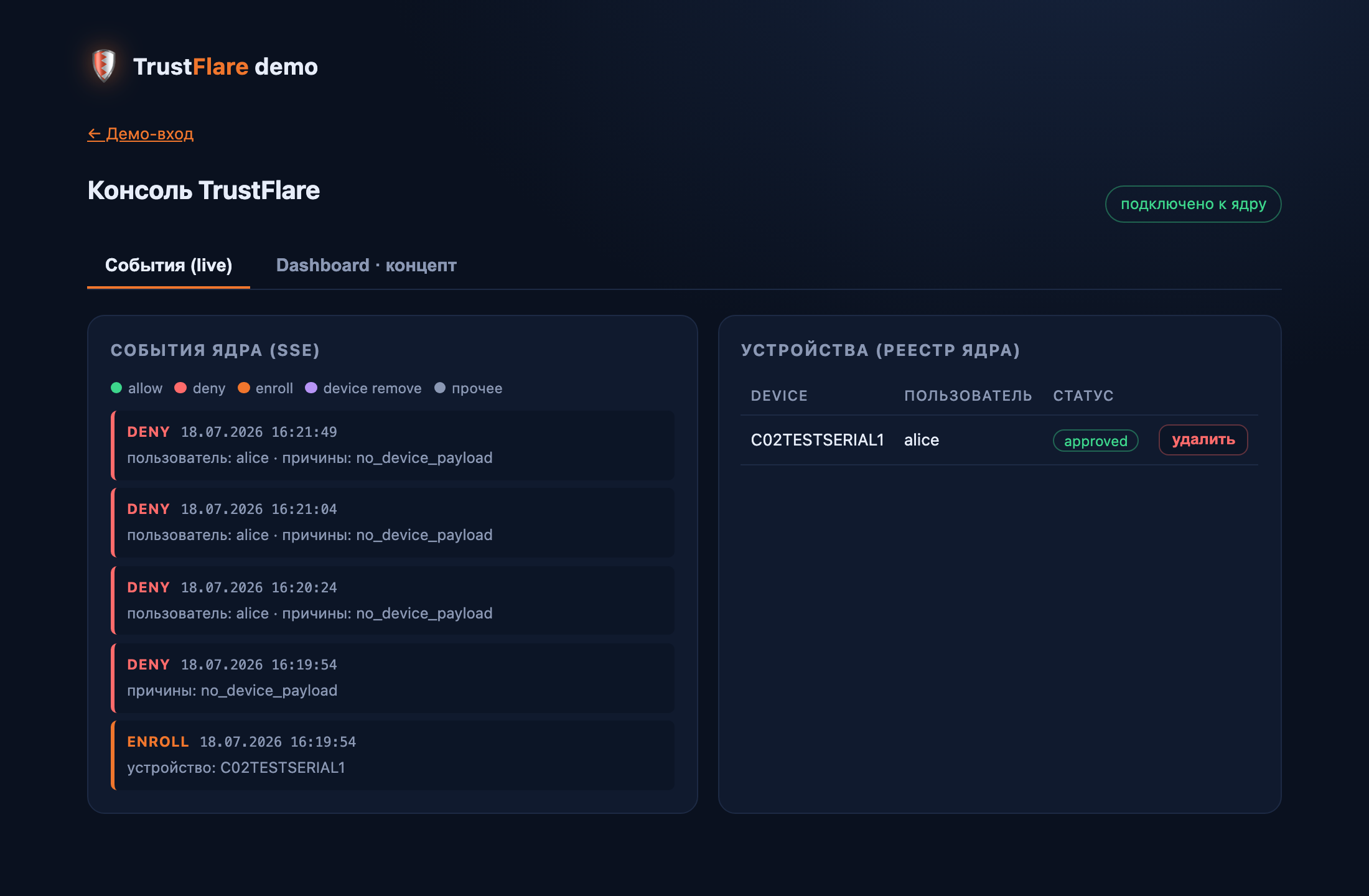
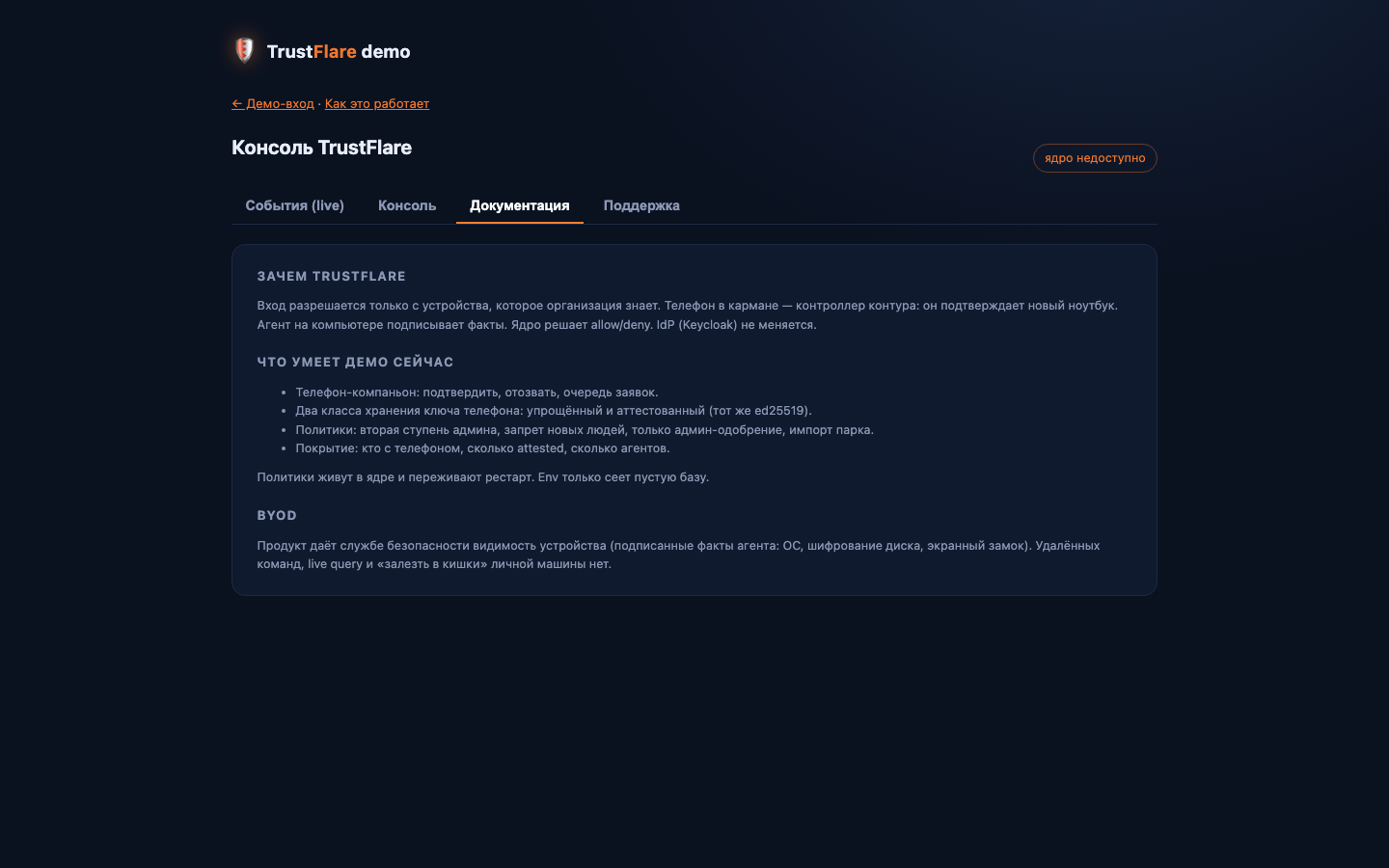
Review the event journal, device registry and enrollment policies. These screenshots show the demo interface; its language may differ from this site.
How it works
Take a closer look.
Enter the demo
Use your access token. If you do not have one, request access below.
Access tokenTry sign-in
Use the sample account shown on the login page. An unknown device still needs approval.
Sign-inOpen the console
Review devices, enrollment policies and the event journal.
ConsoleExplore approval
Confirm a computer from its owner’s phone, subject to the configured admin policy and platform availability.
Device approvalPrivacy
Device visibility. Personal privacy.
The agent reports limited device facts and a signature. Device state is visible, but posture checks do not currently determine access. Personal files and messages are not collected; arbitrary remote commands are not offered.
Try TrustFlare
Start with a few devices.
Your Keycloak, your team. We’ll help you test the fit.